August Wi-Fi Smart Lock Review: Renter's Best Friend
Published: July 8, 2026
We independently test everything we recommend.
Buying through links on our site supports our work.
Editor's Note: Retested on the latest firmware; installed and removed on two different doors to check the retrofit fit.
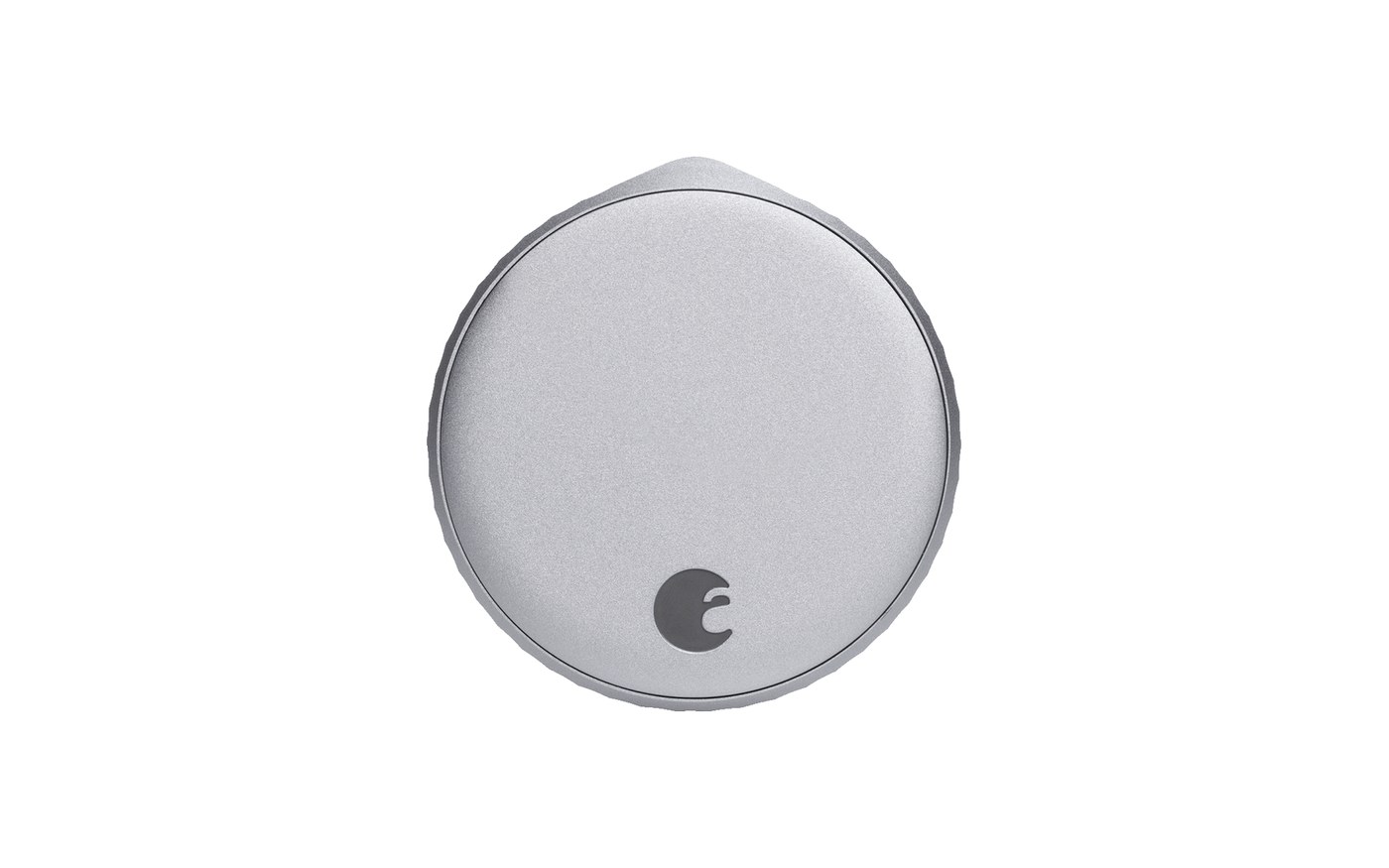
The August Wi-Fi Smart Lock (4th Gen) solves a problem no full-deadbolt lock can: it makes your door smart without changing the outside of it at all. It bolts onto your existing deadbolt from the inside, you keep your original keys, and your landlord never has to know. It's the renter's smart lock. It's also the fourth August I've tested, and the first that doesn't look like a hockey puck.
Why is it the best lock for renters?
Because it changes nothing your lease cares about. The exterior hardware, the keyway, the keys in your roommate's pocket: all untouched. Installation is one screwdriver and about ten minutes, and it's just as easy to pull off and take with you when you move. No other lock category lets you add app control, auto-unlock, and guest codes while leaving the front of the door exactly as your landlord handed it to you.
What did August leave out?
Two things worth knowing. There's no keypad in the box. If you want to punch a code at the door, the August keypad is a separate purchase. And there's no Apple Home Key, so no tap-to-unlock. You also feed it two CR123 batteries instead of cheap AAs. The 4th-gen is 45% smaller than the old model, though, so at least it no longer bulges off your door. Auto-unlock as you approach finally works reliably, too.
Specs, Pros & the Bottom Line
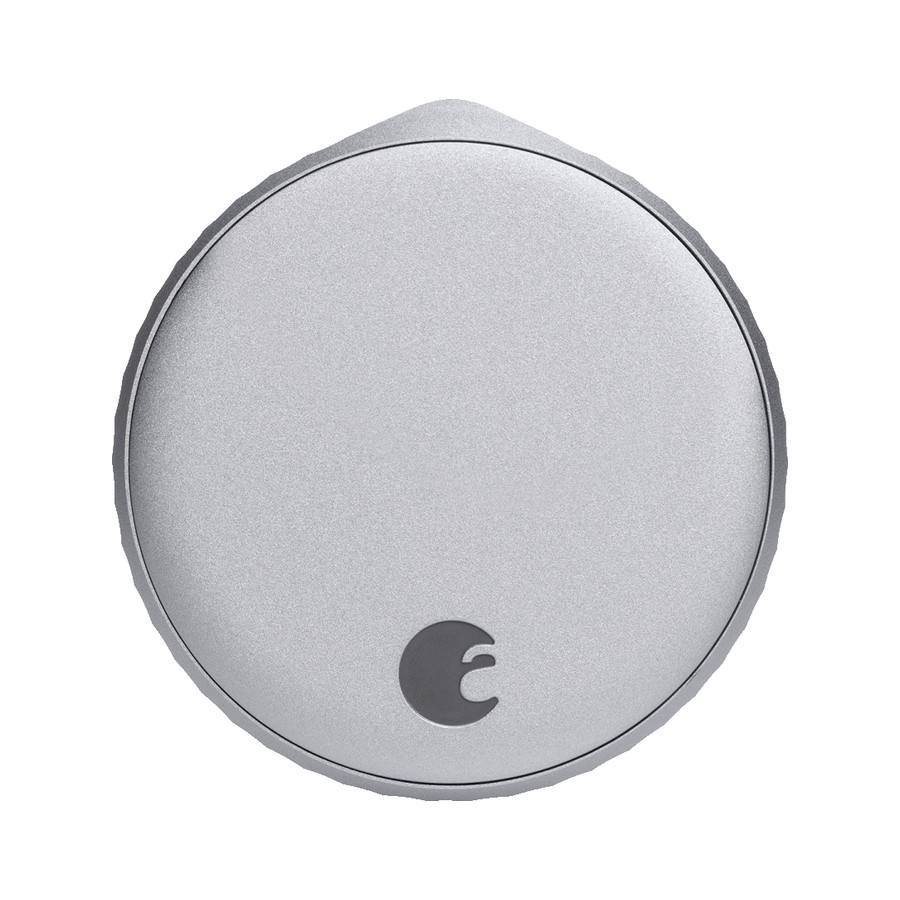
August Wi-Fi Smart Lock (4th Gen)
Best for renters who keep their keys
- Our Rating: 4.4 / 5.0
- Price: $200 (often ~$150)
- Install: Retrofit (keeps your key)
- Connectivity: Wi-Fi (built-in)
- Apple Home Key: No
- Battery life: 3–6 months (2 CR123)
- Entry methods: App, auto-unlock, keypad (add-on)
- Matter: Yes (via bridge)
Pros
- Retrofits your existing deadbolt, so the outside of the door is untouched
- You keep your original keys, which landlords love
- 45% smaller than the old August, so it stops looking like a hockey puck
- Auto-unlock as you walk up actually works now
Cons
- No Apple Home Key, and no keypad in the box (it's an add-on)
- Runs on two CR123 batteries instead of cheap AAs
- DoorSense alignment can be finicky on older doors
The thing it doesn't do is the thing to know first: there's no keypad included and no Apple Home Key, so if you want to punch a code at the door, budget for the separate August keypad. What the August nails is the renter problem. It clamps onto your existing deadbolt, leaves the exterior (and your landlord's keyed entry) completely alone, and installs in about ten minutes with one screwdriver. After years of August locks this 4th-gen is the first that doesn't look bulky inside. Buy it if you rent, or if you love your current handle set and just want it smart. Own your home and want fingerprint entry? Look at the Aqara U200 instead.
What to buy instead
Own your home and want fingerprint or a keypad built in? The Aqara U200 or Schlage Encode Plus are full-featured deadbolts. Want the same keep-your-keys retrofit trick for even less? The SwitchBot Lock Pro does it for $100, if you can stomach how it looks.
The verdict
The August Wi-Fi Smart Lock is the answer when you can't, or don't want to, replace your deadbolt. Renters, and anyone attached to their current handle set, get app control and auto-unlock with zero commitment and their keys still in their pocket. Just go in knowing you'll add the keypad separately and skip Home Key entirely.