Wyze Lock Bolt Review: $80 Keyless Entry
Published: July 8, 2026
We independently test everything we recommend.
Buying through links on our site supports our work.
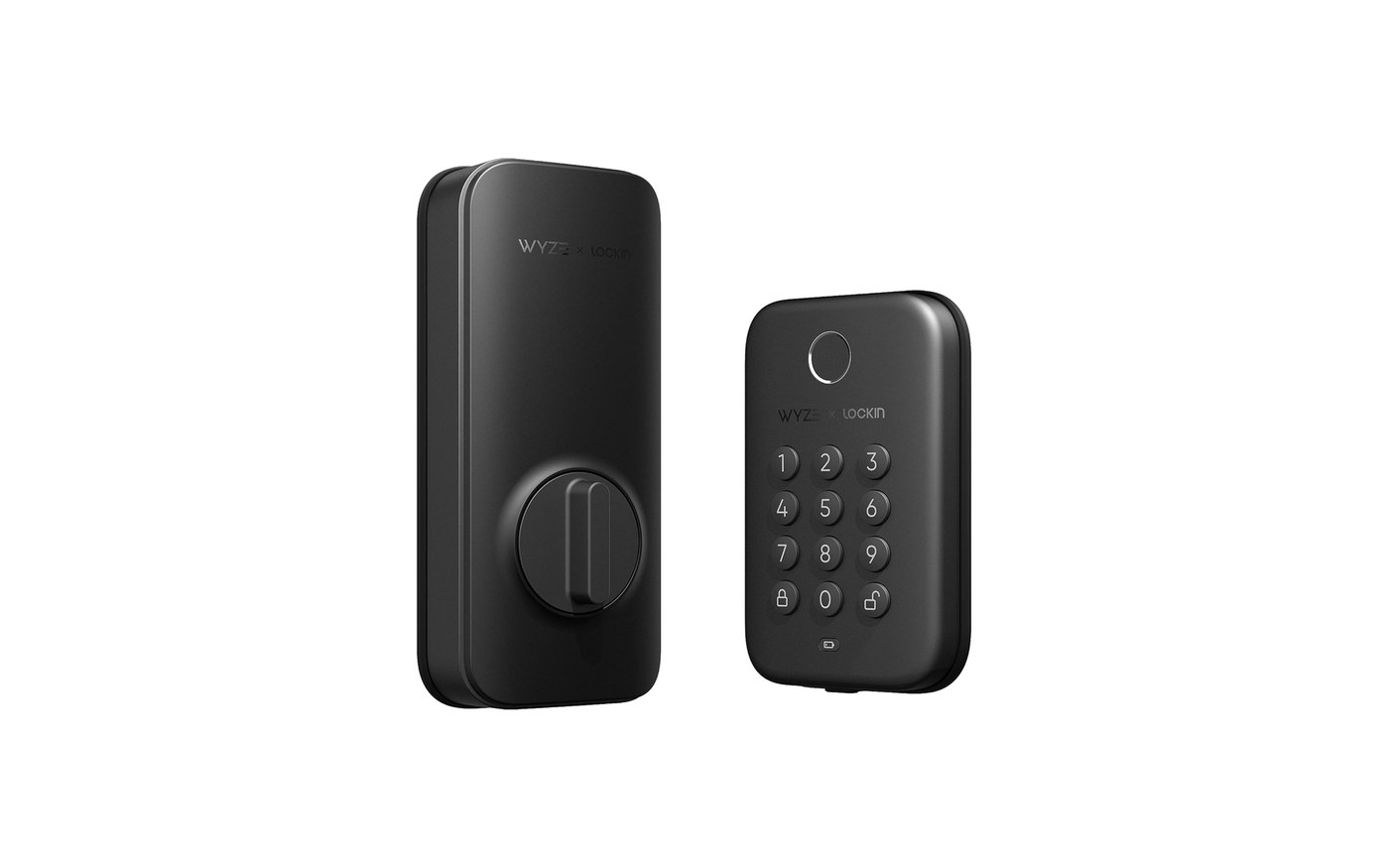
The Wyze Lock Bolt costs $79.99 and does one thing very well: it gets you through your own front door without a key. There's a fast fingerprint reader, a backlit keypad, and auto-lock. And there is deliberately no Wi-Fi. That single omission is the entire story of this lock. Understand it, and the Lock Bolt is one of the best values in the category. Miss it, and you'll be disappointed.
What does 'no Wi-Fi' actually mean for you?
It means the lock stops at your front door. You can't check whether it's locked from the office, can't buzz a guest in remotely, and can't add it to Alexa, Google, or Apple Home. Everything happens at the door, in person or over Bluetooth when you're nearby. For plenty of people, especially on an apartment or a back door, that's completely fine. For anyone who wants to manage the lock from away, it's a hard no. Be honest about which camp you're in.
Is the hardware any good for $80?
Better than it has any right to be. The fingerprint sensor uses phone-grade tech and unlocked reliably about 95% of the time in testing, quick and painless. The keypad is backlit for night, install took about 20 minutes, and there's a genuinely clever trick: even with no internet, the lock generates one-time backup codes you can read from the keypad. It stores 20 passcodes, which is plenty for a household. For the money, the fundamentals are excellent.
Specs, Pros & the Bottom Line
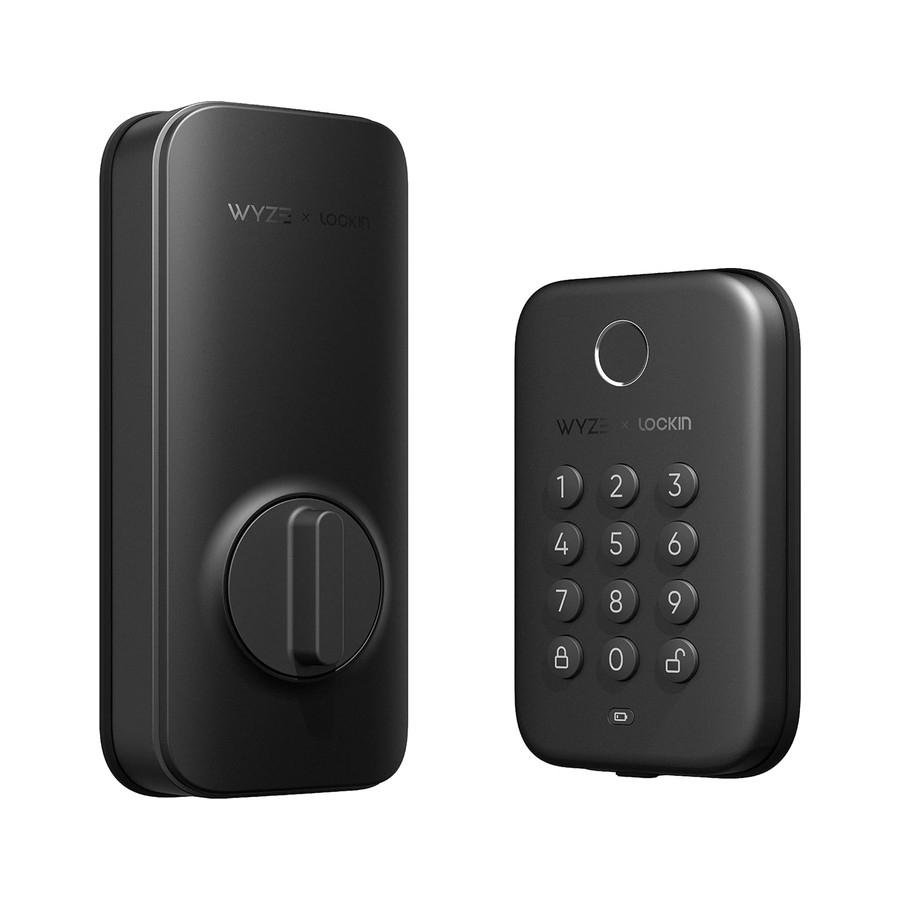
Wyze Lock Bolt
The $80 fingerprint lock that skips the Wi-Fi
- Our Rating: 3.8 / 5.0
- Price: $79.99
- Install: Deadbolt replacement
- Connectivity: Bluetooth only (no Wi-Fi)
- Apple Home Key: No
- Battery life: ~6 months (rechargeable)
- Entry methods: Fingerprint, keypad
- Matter: No
Pros
- Under $80 with a genuinely fast fingerprint reader
- Backlit keypad and auto-lock included
- Generates one-time backup codes with no internet at all
Cons
- No Wi-Fi, so you can't check or control it from away
- No smart-home integration, so it won't join Alexa or HomeKit
- Only stores 20 passcodes
- Bluetooth range is all you get for remote
Know exactly what you're giving up: there's no Wi-Fi, which means no remote access, no app-from-afar, and no smart-home integration at all. This lock ends at your front door. If that's fine with you, it's a phenomenal $80. The fingerprint reader is quick and worked about 95% of the time in testing, the backlit keypad is easy at night, and a clever offline system spits out one-time codes even with no internet. It's keyless entry, not a connected lock, and priced accordingly. Buy it if you just want to ditch your keys cheaply and don't care about remote control. The moment you want to unlock the door from work, step up to the Ultraloq U-Bolt Pro or SwitchBot Lock Pro.
What to buy instead
The moment you want to unlock the door from work, you've outgrown this lock. Step up to the Ultraloq U-Bolt Pro (add its Bridge for Wi-Fi) or the retrofit SwitchBot Lock Pro. Both add the remote control the Lock Bolt deliberately skips.
The verdict
The Wyze Lock Bolt is keyless entry, not a connected lock, and priced honestly for exactly that. If all you want is to ditch your keys for a fingerprint and a code, $80 buys a fast, reliable little deadbolt that punches well above its price. Just don't expect it to do anything the moment you leave Bluetooth range.