Govee LED Strip M1 Review: The Value King
Published: July 9, 2026
We independently test everything we recommend.
Buying through links on our site supports our work.
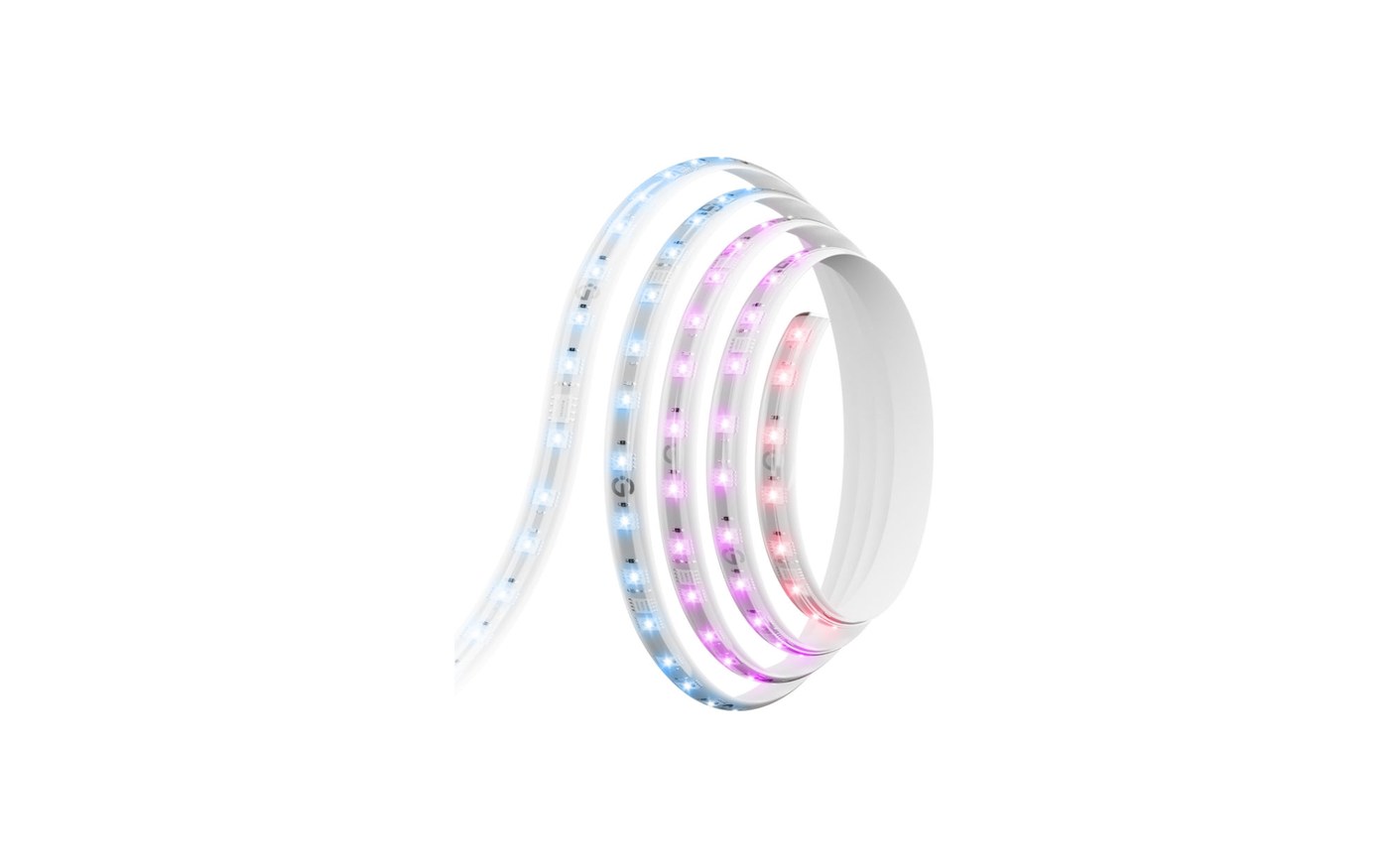
Editor's Note: Tested two 16.4 ft strips for six weeks: one behind a 65-inch TV via Matter into Apple Home, one on a desk run entirely through the Govee app.
The Govee LED Strip Light M1 is the strip we recommend to almost everyone, and the reasoning fits in one sentence: it does 90% of what Philips charges $180 for, at $50 to $80 depending on length. The other 10% is real, and we'll get to it. But six weeks of desk duty and TV-wall duty produced exactly zero complaints from the hardware.
What does RGBIC actually get you?
RGBIC is Govee's word for individually addressable segments, and it's the difference between a strip that IS a color and a strip that SHOWS colors. The M1 renders 15+ hues along one run: a sunset that goes amber to violet across your shelf, a rainbow that actually moves. LED density is the quieter win. At 60 LEDs per meter, double the budget norm, light reads as a continuous bar instead of a dotted line, even mounted in the open with no diffuser channel.
How annoying is the Matter caveat?
Moderately, and you should know it going in. Pair the M1 into Apple Home or Google via Matter and it becomes a one-color strip, because the Matter standard still has no vocabulary for segments or effects. Every RGBIC trick requires Govee's own app, which is powerful and exhausting: ads for other Govee products, seasonal popups, effects buried three taps deep. Our routine became: build scenes in Govee's app once, then trigger them from Apple Home like presets. Workable, not elegant.
Specs, Pros & the Bottom Line
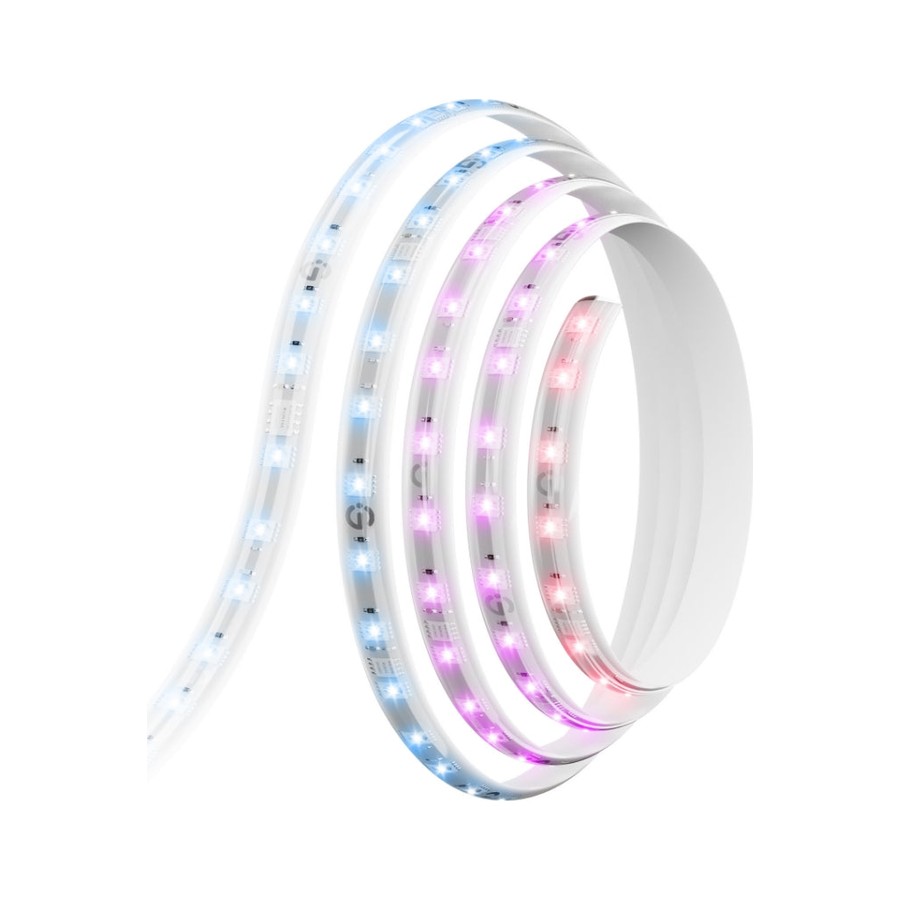
Govee LED Strip Light M1
The strip light that made Hue's look lazy
- Our Rating: 4.4 / 5.0
- Price: from $50 (16.4 ft $80)
- Type: LED light strip
- Hub needed: No
- Brightness: up to 750 lm/m
- Matter: Yes (built in)
- Ecosystems: Alexa, Google, Apple Home (via Matter)
- Length: 6.6 / 16.4 ft, ext. to 32.8 ft
Pros
- RGBIC segments show 15+ colors on one strip at once
- Matter support built in, no Govee hub required
- 60 LEDs per meter, so the light is a smooth bar instead of visible dots
- Cuttable and extendable up to 32.8 ft without losing addressing
- Half the price of Hue's gradient strip at every length
Cons
- The Govee app is a casino of features, popups, and upsells
- Matter control flattens it to one color; the fancy effects need Govee's app
- Adhesive is single-shot, so plan the run before you peel
The Matter support on the box deserves an asterisk: pair it with Apple Home or Google and it behaves like a plain one-color strip, because Matter still has no idea what a gradient is. Every rainbow effect lives in Govee's chaotic, ad-stuffed app. Live with that and the hardware itself is the best value in ambient lighting. Dense 60-LED-per-meter spacing that reads as a continuous glow, segment control that puts a sunset across one strip, and brightness that made our test shelf visible from the street. We ran it 6 weeks behind a desk and a TV with zero dropouts. Buy it for shelves, desks, and TV backs. If you're deep in Apple Home and want scenes that just work, pay double for the Hue Gradient Lightstrip.
What to buy instead
Deep in Apple Home with a Hue Bridge already on the shelf? The Hue Gradient Lightstrip integrates like it's part of the furniture and blends colors more smoothly, for roughly eight times the per-foot price. Decorating a wall rather than lining a surface? Panels like the Govee Glide Hexa make more sense than taping strips into shapes.
The verdict
Buy the M1 for any shelf, desk, or TV in the house and it will outperform its price every evening. Just accept the deal you're making: brilliant hardware, chaotic software, and a Matter badge that means less than it should. At half Hue money, we accepted it without much grumbling.